Download & Setup
Get Started in Seconds
Download Gleons, plug in USB, press Start. That's literally it.
Download Gleons
Version 2.0 • Windows & macOS • Instant setup • No technical knowledge required
Download for Windows macOS Coming Soon
Lifetime Updates Free
Secure & Safe
System Requirements
Windows10 / 11
macOS12 Monterey+
PortUSB-A
Disk~50 MB
Easy Setup
3 Steps. Under 60 Seconds.
The easiest ambient lighting setup on the market
01
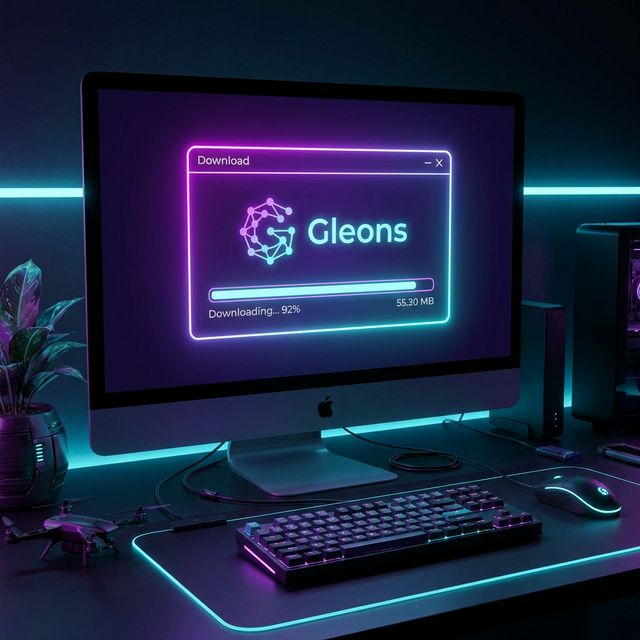
Step 1. Download & Install
Click the download button above for your platform (Windows or macOS). Run the installer just follow the prompts and you're done.
50MB Download
02
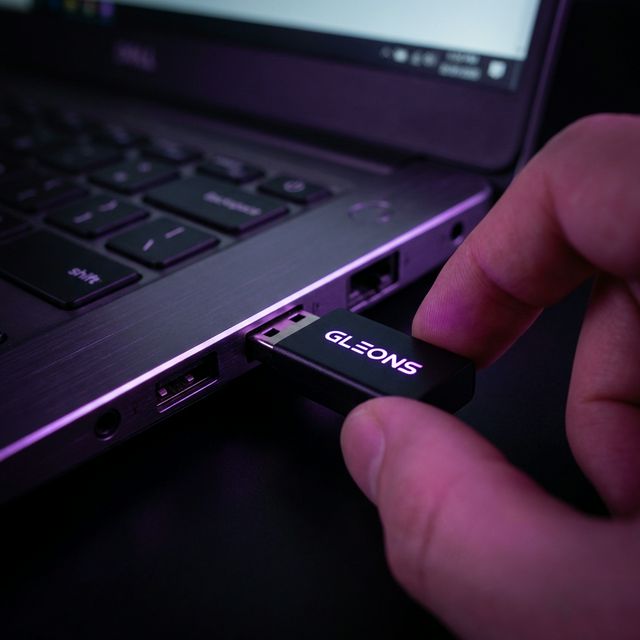
Step 2. Connect USB
Plug the Gleons LED controller into any USB port on your PC or Mac. The software auto-detects the device instantly no drivers needed.
Plug & Play
03
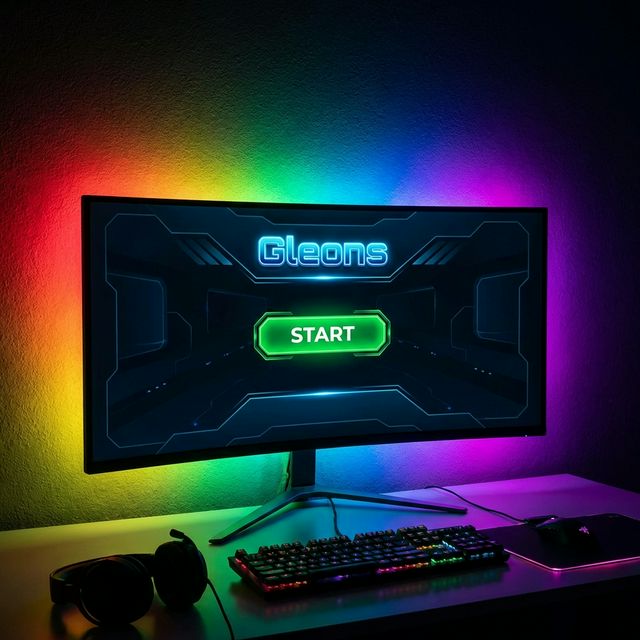
Step 3. Press Start
Open Gleons, select your mode PC Sync, Theme Presets, or Music Sync and hit Start. Your LEDs will instantly come alive.
Instant Sync
No wiring • No coding • No drivers • Just plug & play
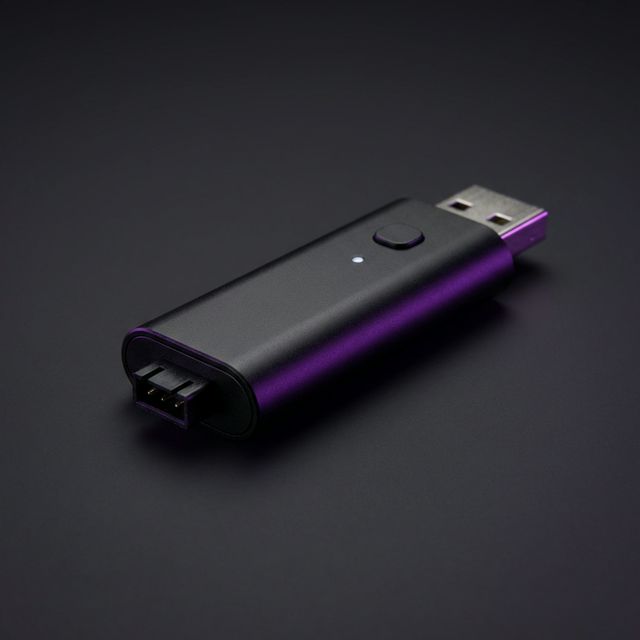
Compact LED Controller
Just connect via USB no assembly required
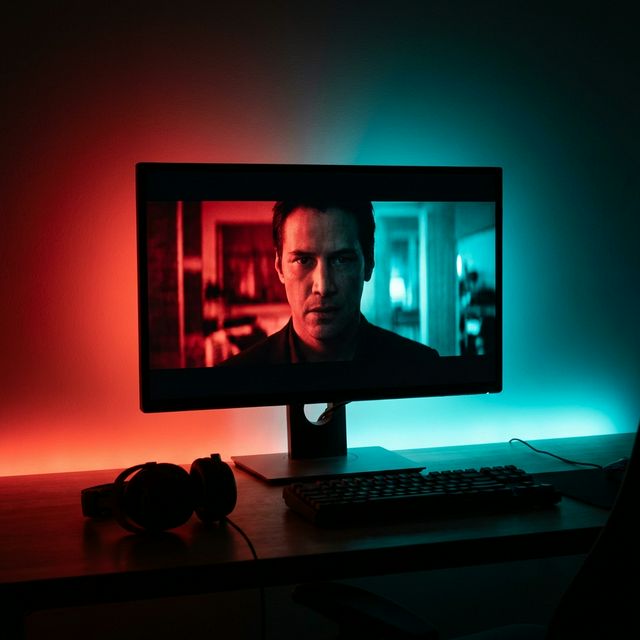
Behind Your Monitor
Pre-mounted LED strip just stick and go